3D Character Modeling: From Concept to Game Engine
A comprehensive walkthrough of the modeling pipeline, topology optimization, and getting your character into a game engine.
Read ArticleLearn the core principles that make game characters memorable and functional across different art styles. From silhouette to personality, we’ll cover everything that separates great character design from forgettable ones.

A character isn’t just a 3D model or a 2D sprite. It’s the first thing players connect with. It’s their window into the game world. Whether you’re building a hero for an RPG, a villain for an action game, or a supporting cast member, the fundamentals of character design remain constant — and they’re learnable.
We’re going to walk through the key principles that professional character artists use every day. You don’t need to be a master painter or sculptor to understand these concepts. What you do need is to understand how silhouette, proportions, color, and personality all work together to create characters that feel alive.
Before you worry about facial features, skin texture, or clothing details, you need a strong silhouette. Silhouette is the outline of your character — the shape you see when they’re completely backlit or shown as a solid shadow.
Here’s why this matters: Players need to recognize your character instantly. If you’re looking at a character from across the game screen, even from far away, the silhouette alone should tell you something about who they are. A knight looks different from a mage. A rogue moves differently than a paladin. That difference starts with shape.
Pro tip: Test your character silhouette in black against a white background. Can you tell what they are? If not, adjust the shape before adding details.

Disclaimer: This article provides educational information about character design principles used in game development. Specific software, tools, and techniques may vary based on your project needs, art style, and game engine. Always consult industry professionals and references for your particular game project context.
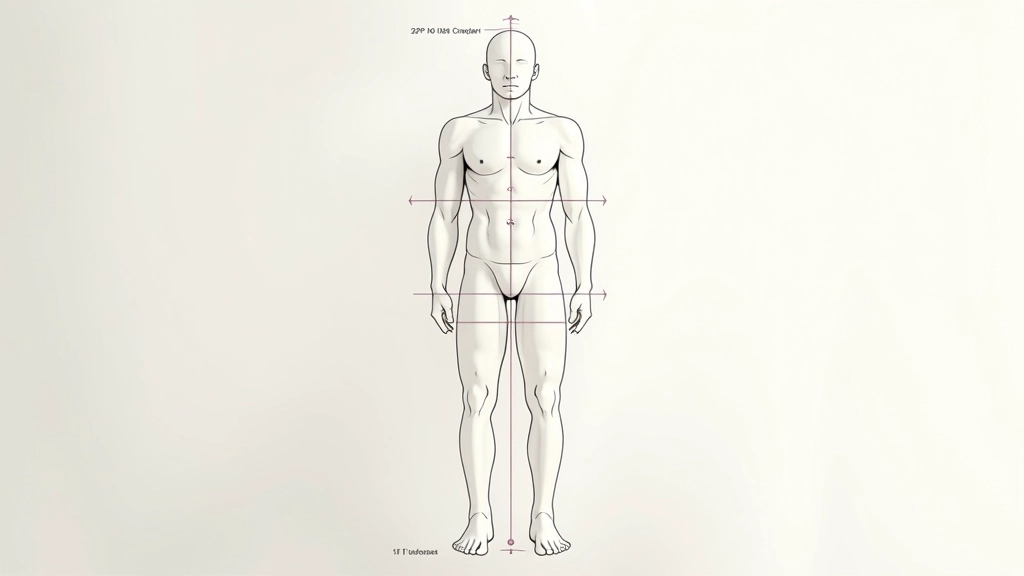
Proportions are how you establish what kind of character you’re creating. An adult human is typically 7-8 heads tall. A child character? 5-6 heads. A fantasy dwarf? 4-5 heads. These ratios aren’t arbitrary — they communicate age, race, role, and personality instantly.
But here’s the thing: proportions in games aren’t always realistic. Action game heroes often have larger heads, broader shoulders, and more exaggerated limbs than real humans. This isn’t a mistake — it’s intentional. It makes them easier to read on screen, more appealing visually, and more fun to animate.
The key is consistency. Once you establish your character’s proportions, stick with them. If your character is 6.5 heads tall with a large head and short legs, keep those ratios consistent across all angles and poses.
Color does more than make characters look good — it tells players who they are. A character dressed in dark reds and blacks reads as a villain. Bright golds and whites suggest a hero. Muted earth tones hint at a rogue or ranger. You’re not being subtle, and you shouldn’t be. Games have seconds to communicate character identity.
Use color contrast strategically. The parts of your character you want players to notice should pop against the rest of the design. If the face is important, make sure it contrasts with the body and clothing. If the weapon is important, ensure it stands out visually.
Most game characters use 3 dominant colors: a primary color (largest area), a secondary color (supporting), and an accent color (small details that draw the eye). This keeps the design readable and prevents visual chaos.
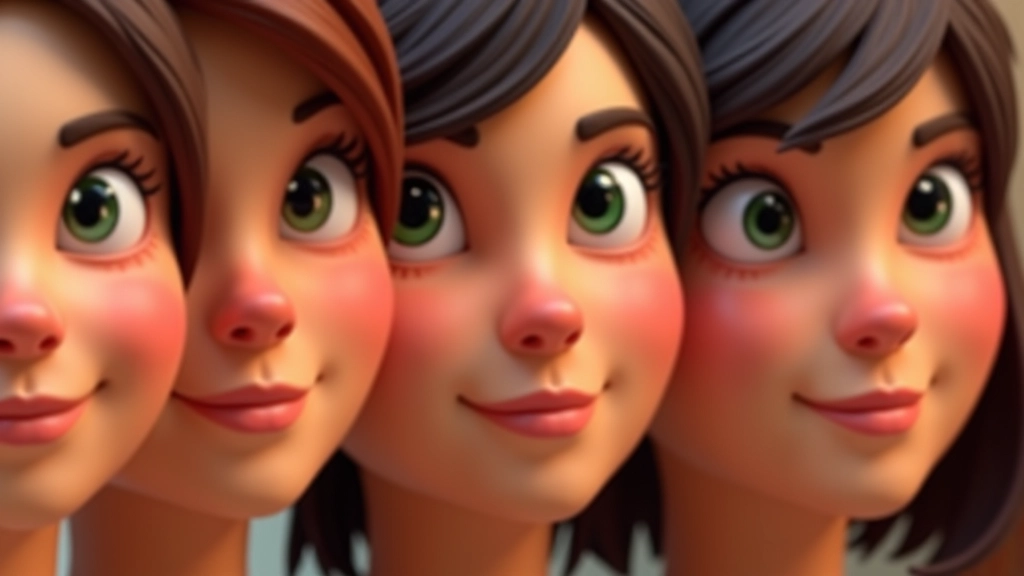
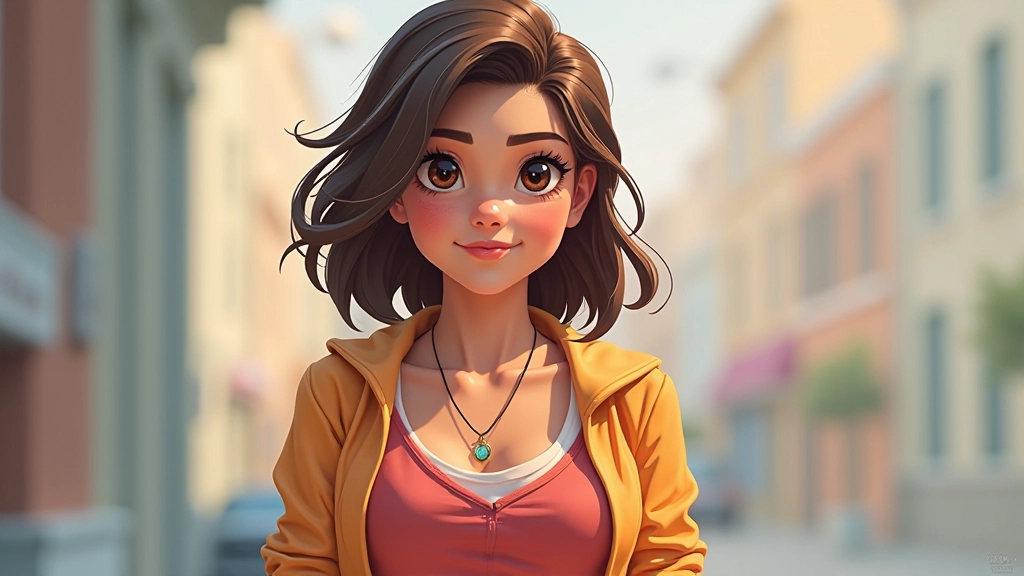
Eyes are where personality lives. Big eyes suggest youth and innocence. Small, intense eyes suggest danger or intelligence. Wide-set eyes feel friendly. Close-set eyes feel menacing. These associations aren’t universal, but they’re strong enough that players pick up on them unconsciously.
The same applies to mouth and nose shape. A slight smile reads as friendly. A snarl reads as aggressive. A neutral expression feels mysterious. You’re not limited by realism here — you’re using shape language to communicate emotion and archetype.
The goal isn’t to make the most realistic face. The goal is to make a face that communicates instantly who this character is and what role they play in the game.
Every element of your character’s design should serve a purpose. Clothing, armor, accessories, scars, tattoos — these aren’t just decoration. They tell the player what your character does, where they’re from, and what they’ve experienced.
A knight wears plate armor because they’re a frontline fighter. A rogue wears leather and dark colors for stealth. A mage wears flowing robes that suggest magic and movement. These aren’t arbitrary choices — they’re visual communication.
But be careful not to overcomplicate. A character with 50 small details becomes cluttered and hard to read. Focus on 3-5 key design elements that make the character memorable. Add secondary details for visual interest, but keep the core design clean.
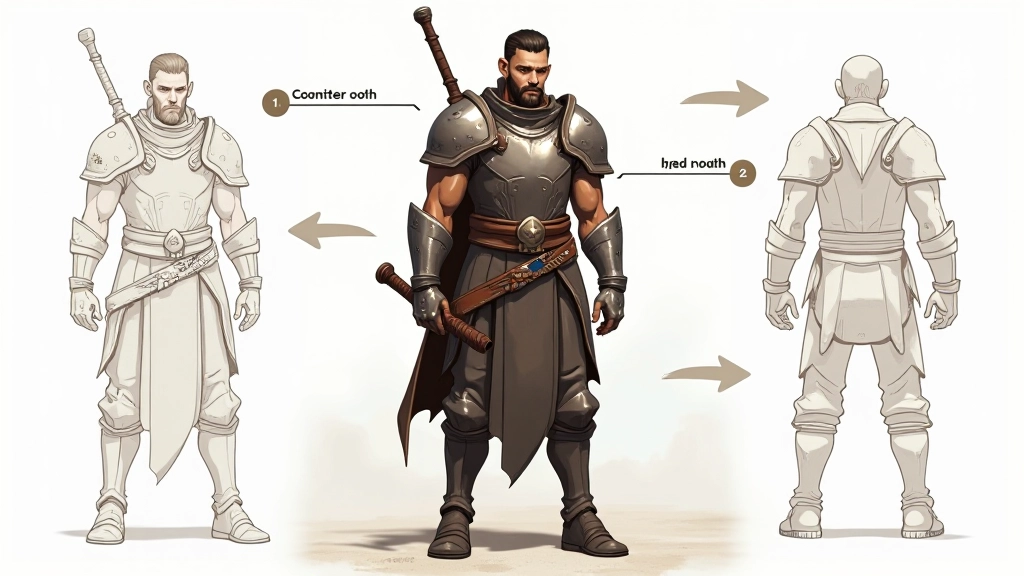
Great character design isn’t about following rules. It’s about understanding the principles so well that you can break them intentionally. It’s about making choices that serve the character, the game, and the player experience.
Start with silhouette. Build from there with proportions. Add color and contrast that communicate role and personality. Design features that express emotion and archetype. Finally, add details that tell a story and support the overall design.
The characters that stick with players aren’t always the most technically perfect or the most realistically rendered. They’re the ones that communicate instantly and memorably. They’re the ones that feel alive because every design choice serves a purpose.
As you develop your own character designs, ask yourself: Would a player recognize this character from silhouette alone? Does the color palette communicate who they are? Do the features and details tell a story? If you can answer yes to those questions, you’ve got a solid foundation.